How do I add margins or padding to my content?
Margins and padding can be added on all levels in WPMagazines. You can add margins to Columns, Inner Columns as well as (most) content blocks.
We advise to always add a column first and then add a content block within the column. This way you can make sure your padding and/or margins apply evenly to all content blocks within a column.
In the left-hand menu choose the column where the content is where you want to add a margin or padding. Once selected head to the right-hand menu and select "Layout" and open the options under "Block Size & Spacing"
You can add margins and padding separately. Click on the square next to "Padding" or "Margin" to determine the margin for the top, left, bottom or right side specifically. Or leave the square as is to add the space evenly on all sides.
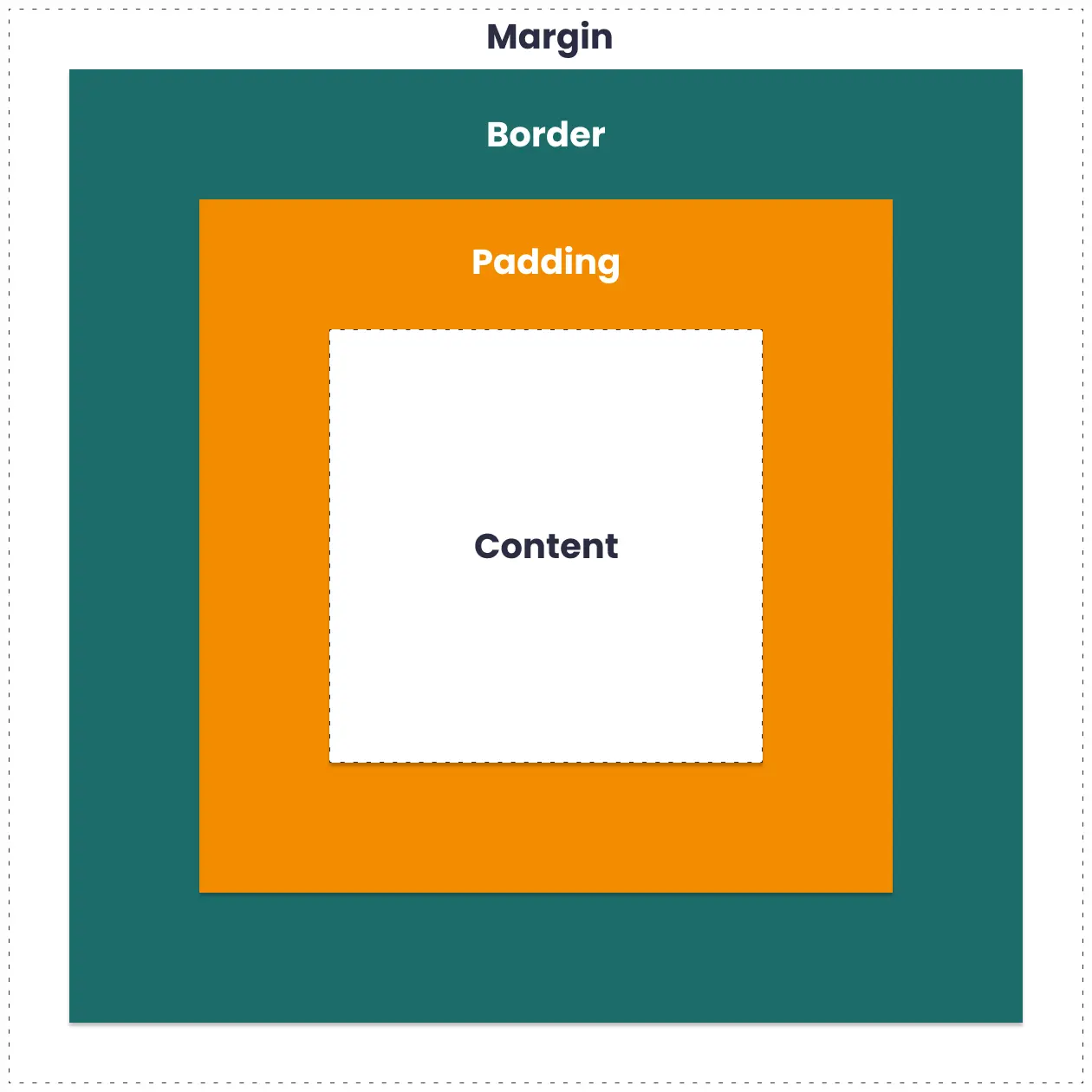
Margin vs. padding
The difference between padding and margin is that margin affects the area surrounding an element, while padding controls the area within an element.