Getting started with WPMagazines
This is a quick guide to get started with WPMagazines.
Once your account has been activated and you have succesfully logged into MyAdmin there are a few steps you need to take before you can begin:
- complete your billing information
- adjust the theme options
- add team members
- add templates or start from scratch
Billing information
In order to complete your account and fully activate your license it’s important to complete your billing information.
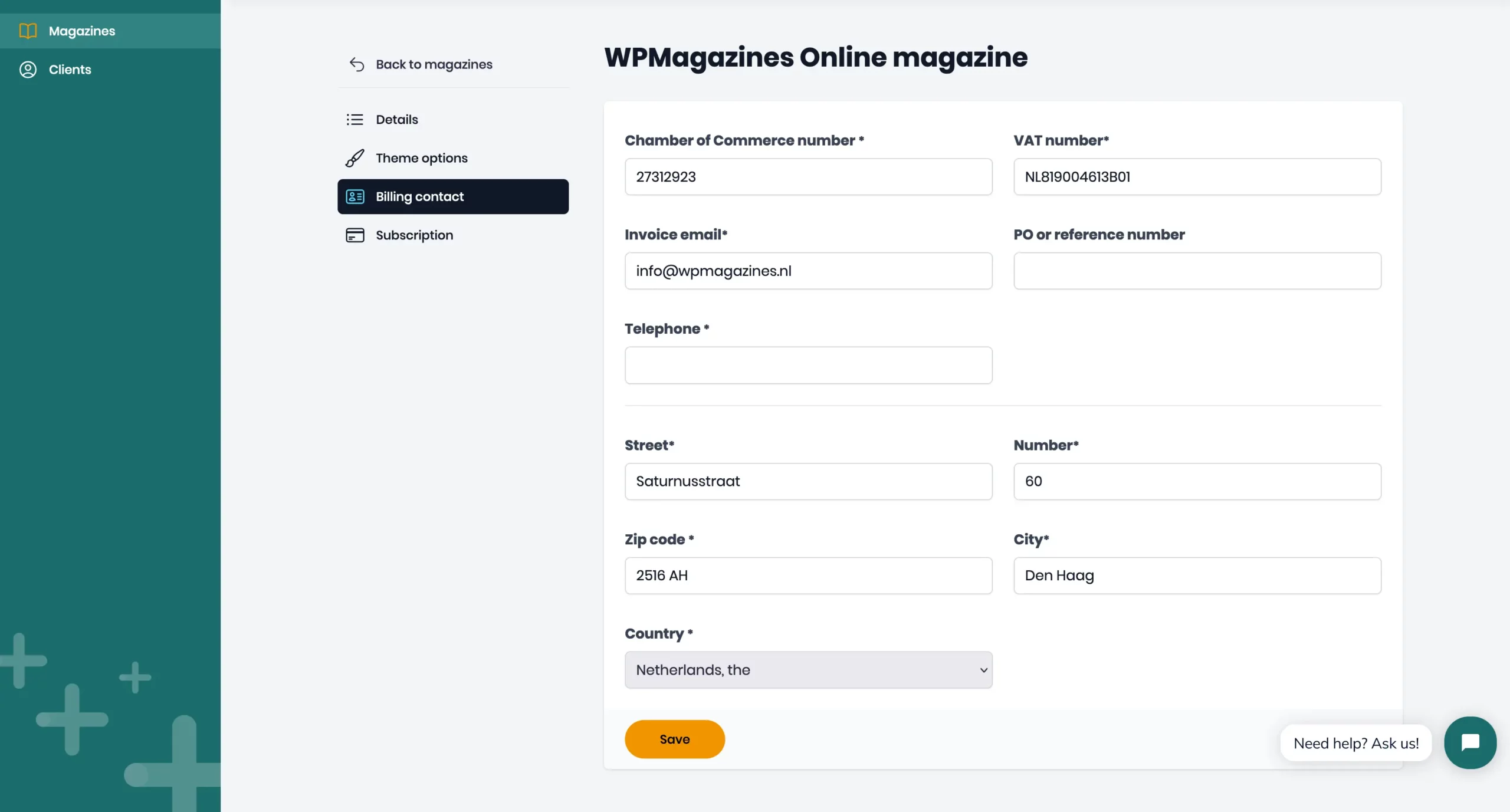
Billing information can be changed at any time by the Client Admin of your account. To change your billing information head to MyAdmin and choose your account.
Click on “Billing contact” in the left-hand menu and make the necessary changes and click “Save”.
Theme options
Every magazine has a few default settings that can be added in MyAdmin. Usually these default settings follow a brand guide and includes:
- a logo that will show in the left bottom corner of the navigation bar in every publication within your account
- a favicon that will show in the tab of your browser when viewing the publication
- publication language
- analytics tracking code
- colors, you can pre-select up to 8 default colors
- add fonts (Custom fonts, Google Fonts or Adobe Typekit)
- base font (paragraph) and typography of the H1 up to H6
- standard buttons
- colors of the navigation bar and hover
- magazine/publication kiosk
- customizing the social share bar
Add a logo
Add colors
Add fonts
Typography
Team members
You can add up to 10 team members to help you manage and edit your publication. Is your team bigger than 10 members? Then you can contact us via wpm@happyflow.io
Templates or from scratch?
We have created a few templates for you to use when starting with WPMagazines.
When you have activated your account and are in the overview of the magazine there are 2 options to get you started. You can start with one of our templates* or you can start from scratch.
*More templates will be added soon.
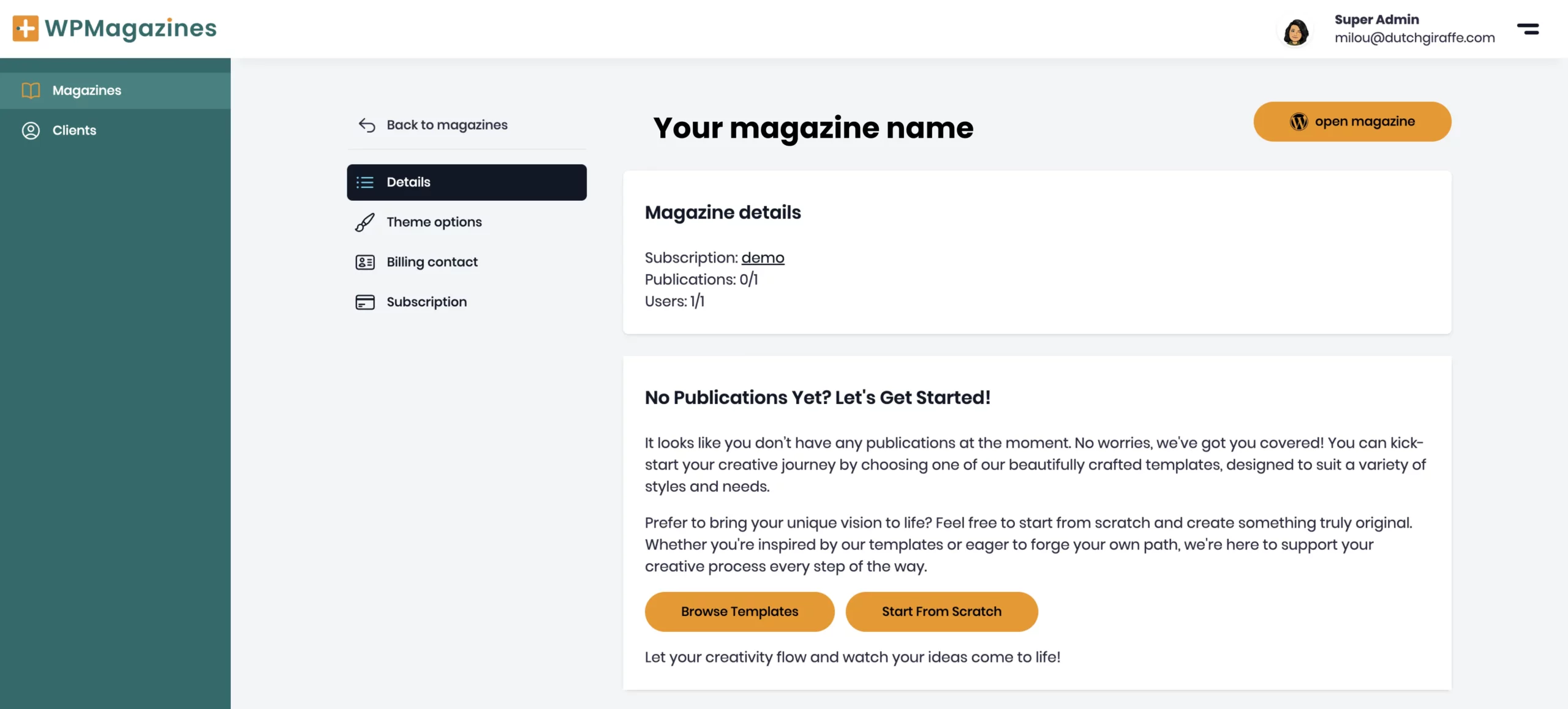
Choose “Browse templates” to select one of the templates to get started:
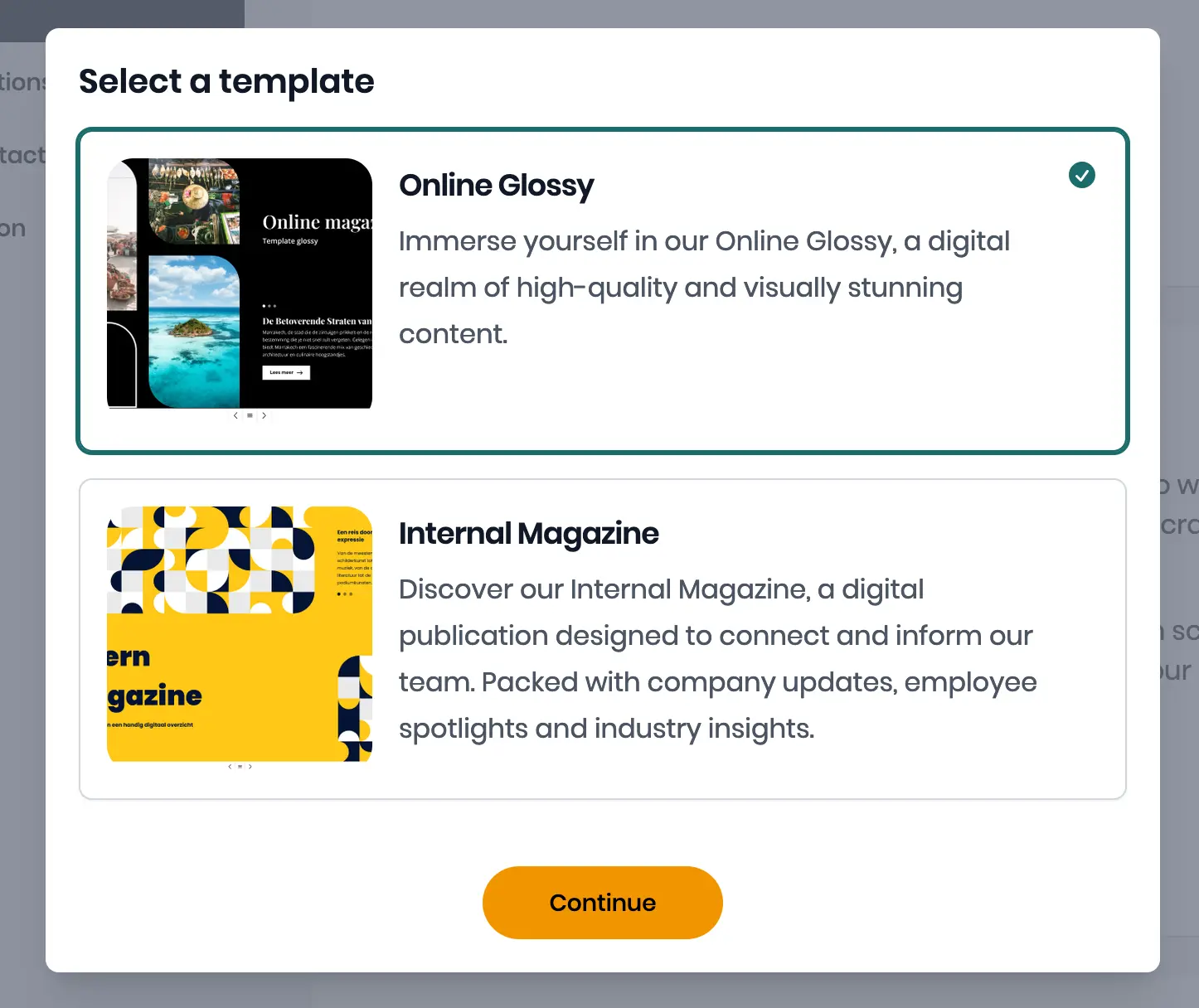
Select the desired template and click "Continue", the template will now be loaded into your account. This should take about 5 minutes.
Or start from Scratch. Starting from scratch takes you straight to the Wordpress panel where you can create a new magazine, add pages and different content blocks.