How do I edit the kiosk?
Every magazine/publication account has a standard kiosk where you can choose to show your publication editions.
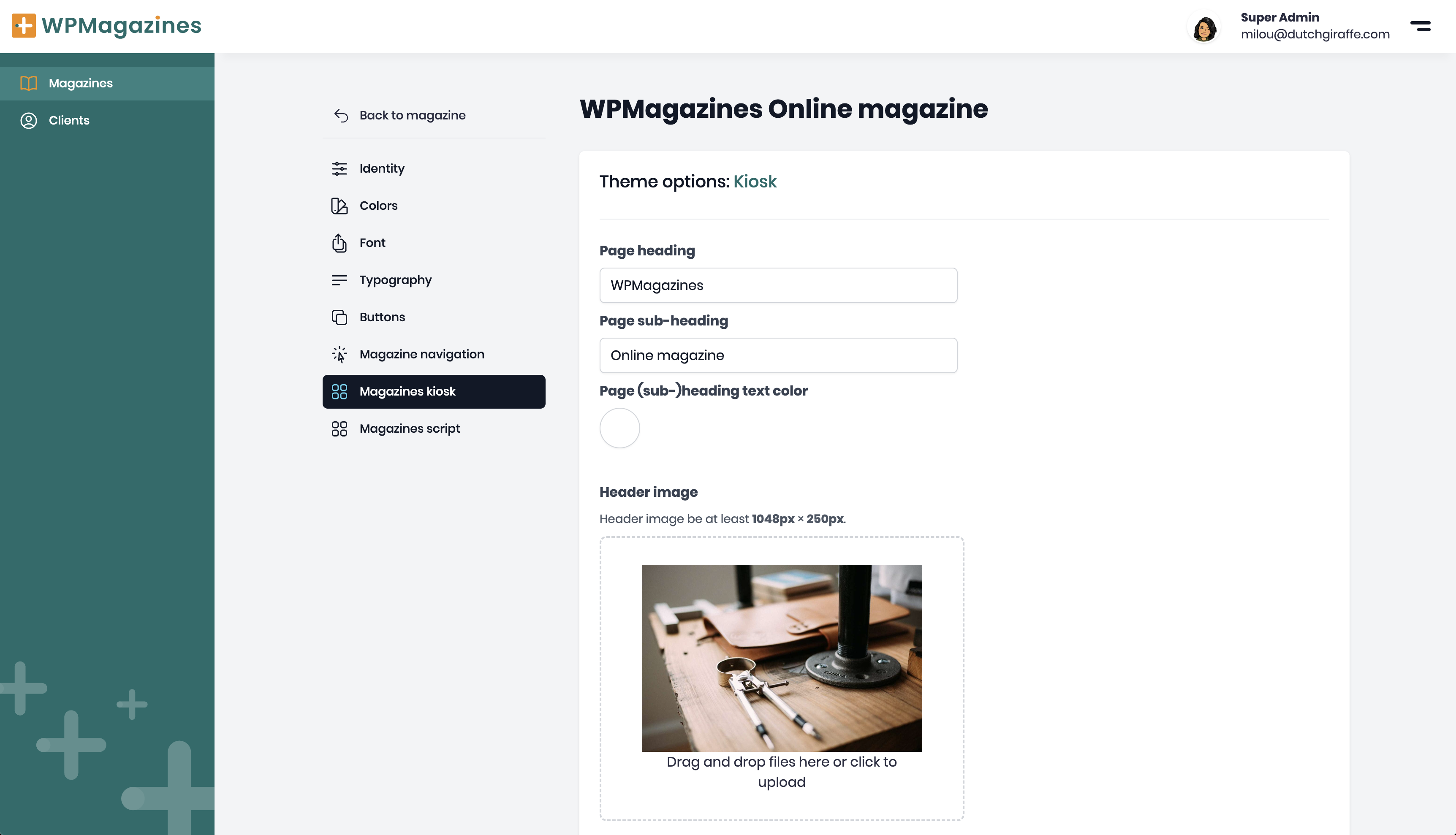
Default settings for the kiosk can be adjusted through MyAdmin. In MyAdmin head to your magazine overview and then to "Theme Options".
Under "Theme Options" scroll down to "Magazines kiosk", there you can add a Page heading, Page sub-heading, Header image and choose a font color.
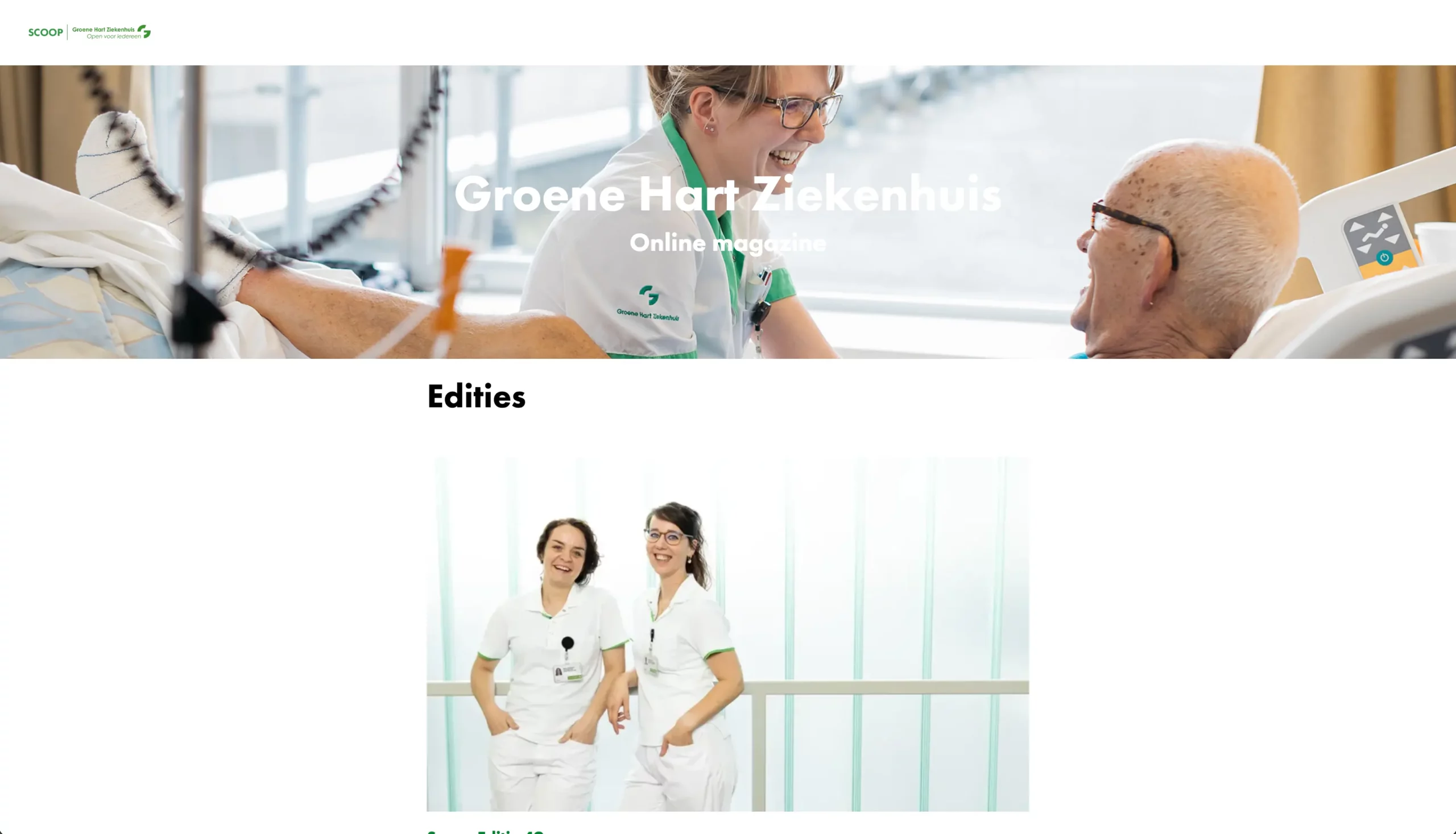
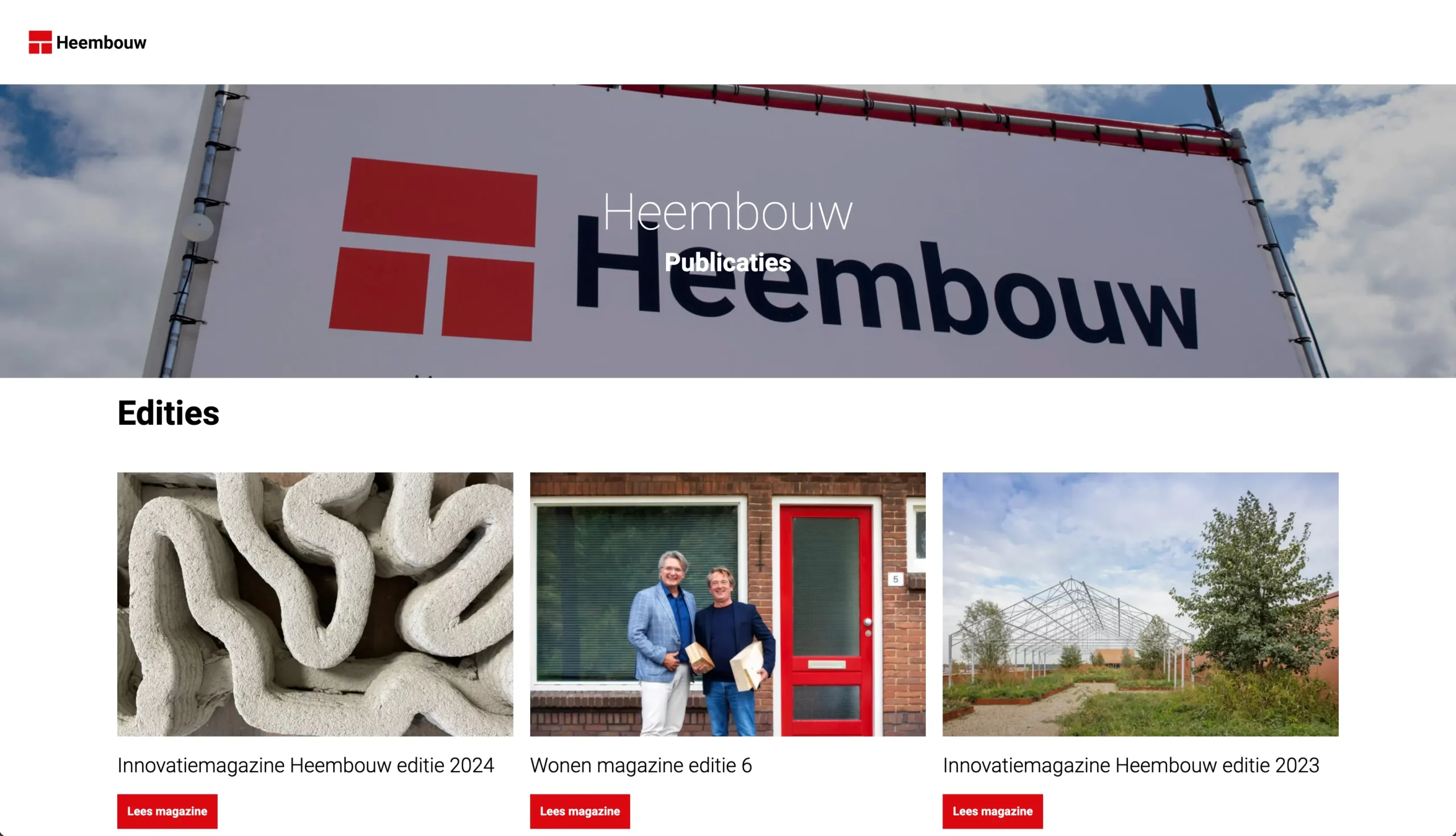
There is also an option to choose between a full width or grid display.
Full width
Grid
Styling
A few elements in the kiosk are taken from default settings you have added by other "Theme Options":
- the logo you have added by "Theme Options - Identity" will show in the left-upper corner
- the font-family, font-size and font-weight are added by "Theme Option - Typography"
- the button color, font, border-radius and padding are added by "Theme Options - Buttons"
Other elements are taken from your publication:
- the publication title you add in Wordpress is also the title that is shown in the kiosk
- the featured image you add to your publication in Wordpress is also the image that is shown in the kiosk. Make sure your featured images have the same dimensions to show a "cleaner" grid.